- Tap Groups in the bottom nav.
- Tap Create Group.
- Name the group (for example “Caribbean 2026 Crew” or “Smith Family Cruise”).
- Link it to an upcoming cruise from your log.
- Share the invite code or link with your crew.
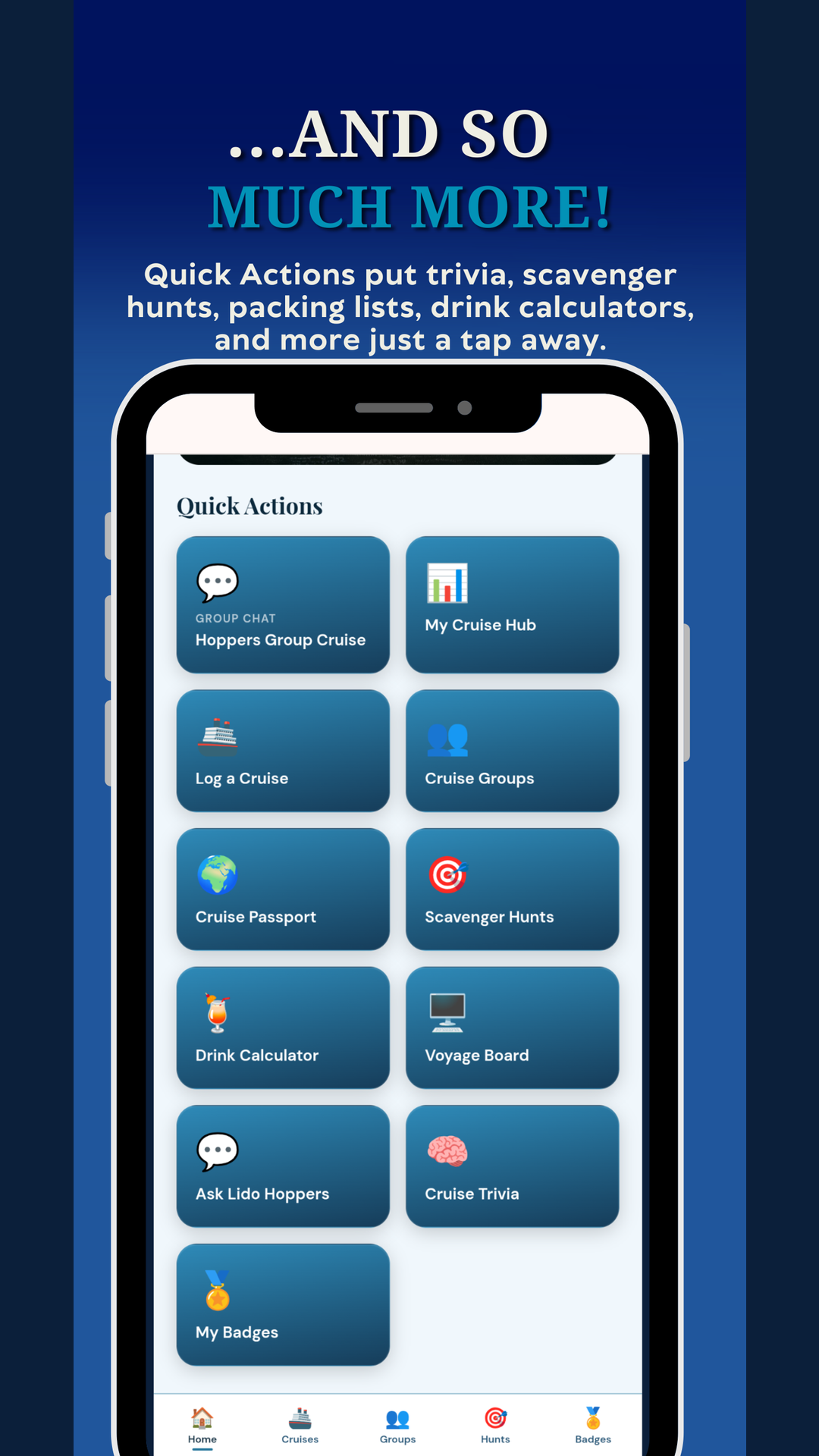
Heads up: Creating a group is a paid feature. First Mate can create up to 2 groups, Captain can create unlimited. Deckhand members can join any group but cannot create one.
Christina Says: Organizing a big group cruise? Share the code the moment final payment hits and drop it in the very first email. Latecomers are the ones who never knew there was a group.
Was this helpful?
Your answer goes straight to Tony and Christina.