
- Open Customize Home, then the Actions tab.
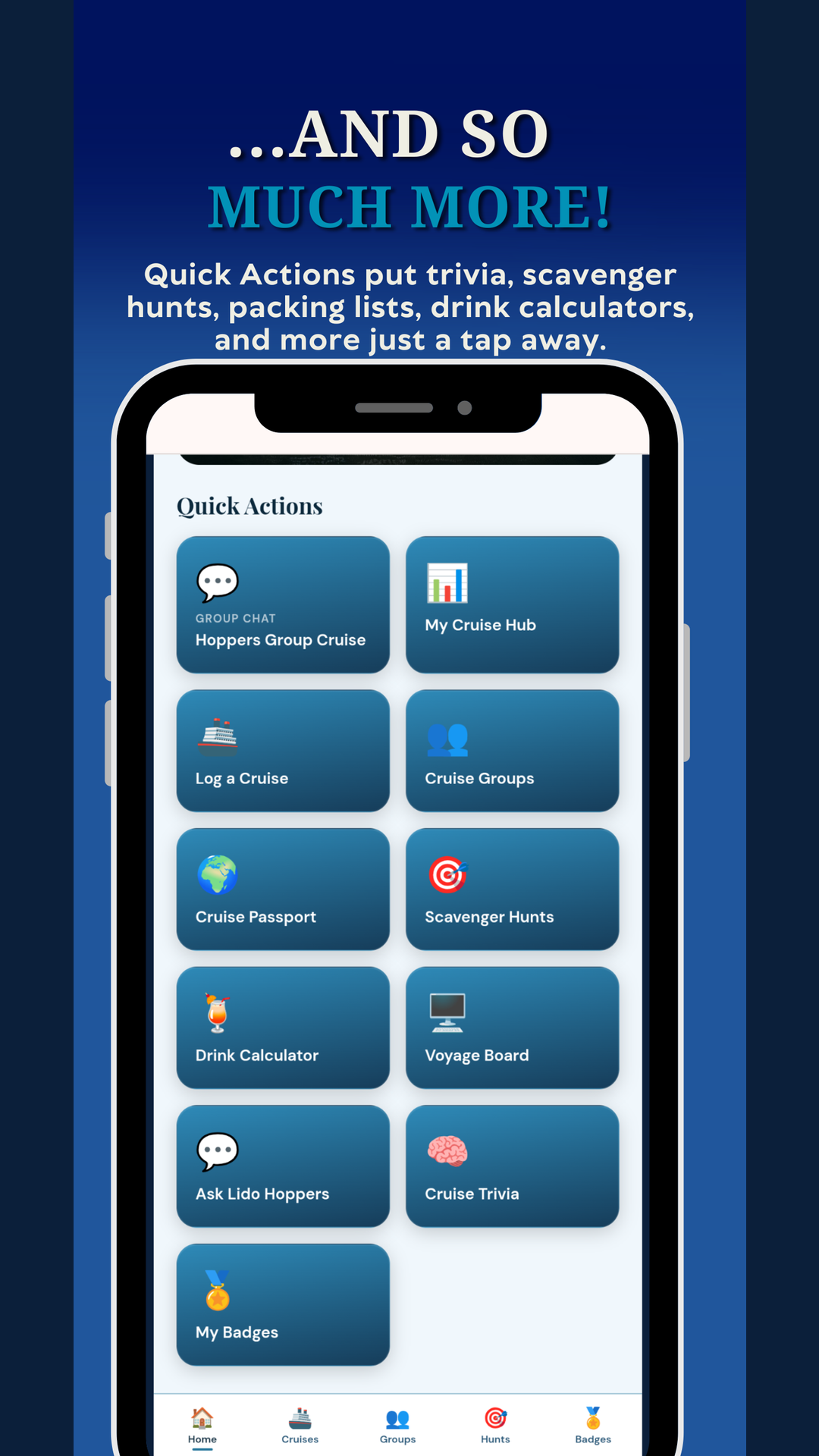
- Turn the Quick Action tiles you want on, and the ones you do not off.
- Reorder them to taste.
Tip: Put the tools you actually open most up top so they are one tap away.
Was this helpful?
Your answer goes straight to Tony and Christina.