
Category · 5 Articles
Home Screen & Customization
Cards, Quick Actions, nav tabs, and themes.
-
Themes and color presets
Light and dark mode plus your color theme.
-
Choose your bottom nav tabs
Setting which tabs appear in the bottom navigation bar.
-
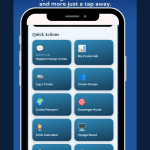 Choose your Quick Actions
Setting the tiles that jump you into a tool.
-
Reorder and hide cards
Controlling which cards appear on your home screen.
-
Open the Customize Home sheet
Where all the customization controls live.